How to See Whatsapp deleted Messages That Someone sent you

How to See Messages That Someone Deleted
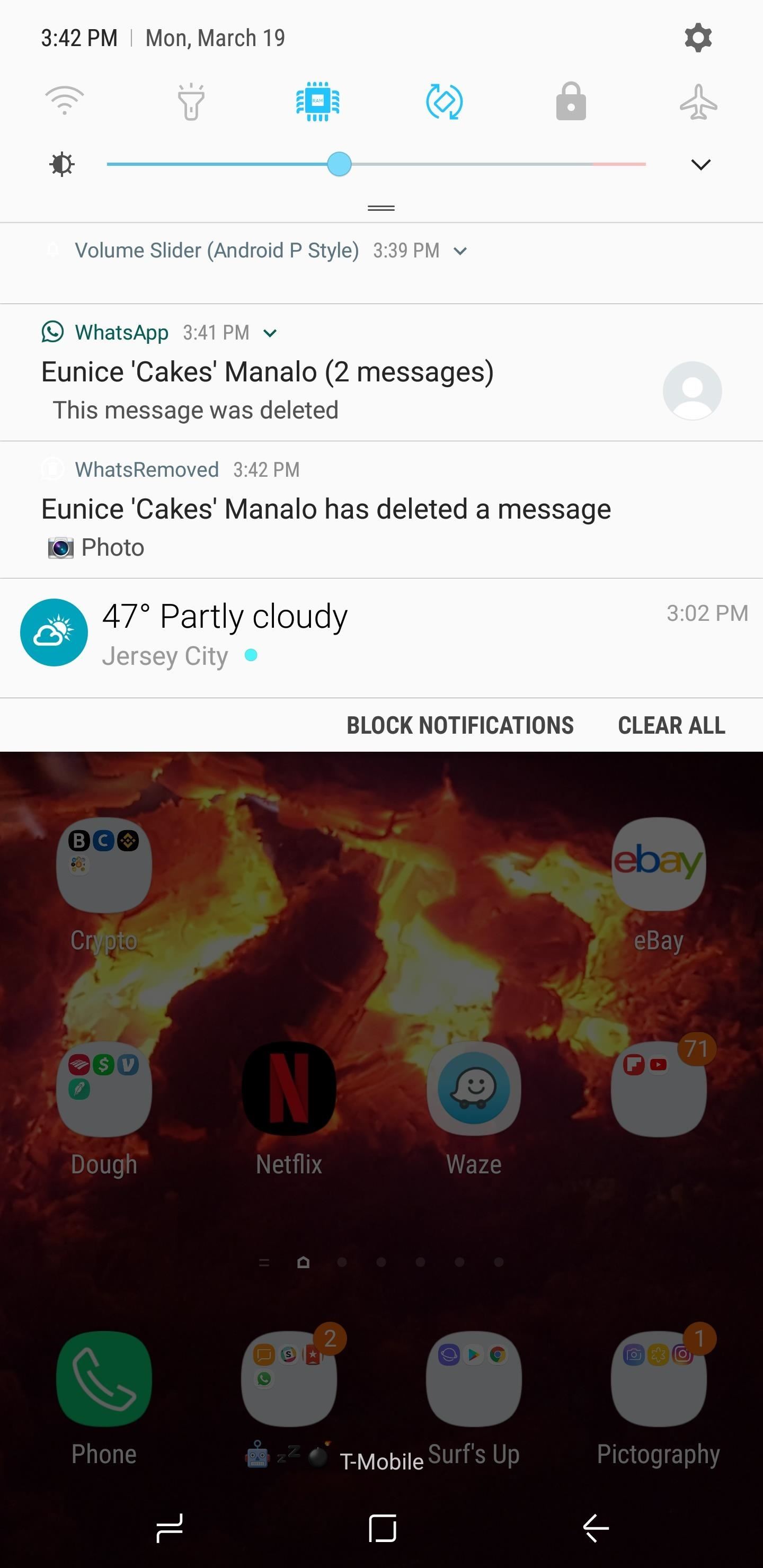
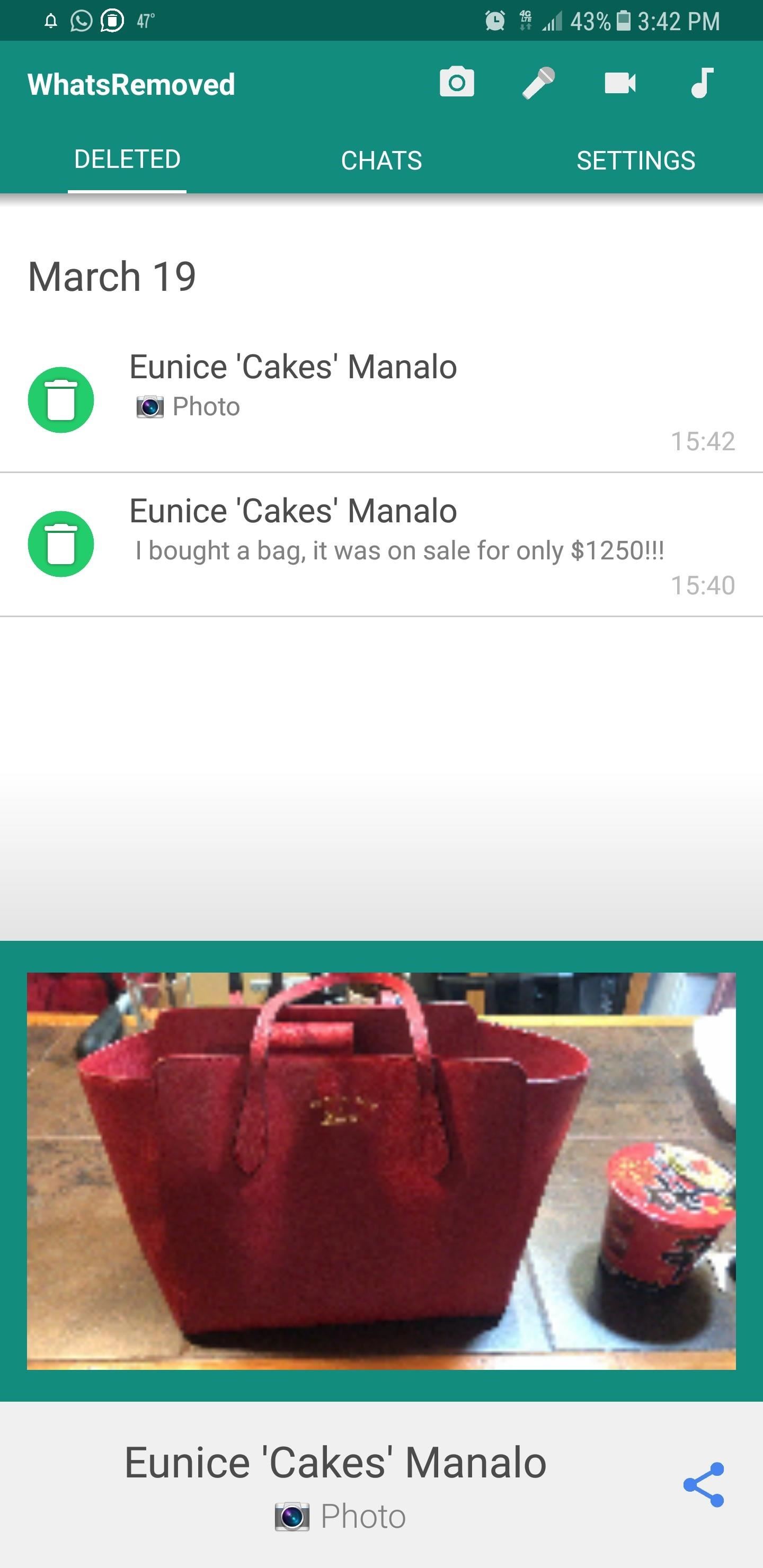
WhatsApp now gives you about 68 minutes to erase a sent message, which is much higher than the seven minutes past versions offered. An app called WhatsRemoved has taken advantage of this and now gives you a higher chance to preserve deleted texts. Best of all, the app automatically retrieves them for you. We'll detail the simple process below, so read on if you're interested in how it works.
- Don't Miss: How to Get 500MB MTN Free Data With MyMTN App
Before We Begin
Before getting started, please note that WhatsRemoved works outside of WhatsApp and keeps tabs on WhatsApp messages through your smartphone's notification system. Because of this, we strongly advise that you enable notification alerts on WhatsApp if you hadn't already done so. Otherwise, WhatsRemoved may not be able to intercept and retrieve deleted texts.Step 1Install WhatsRemoved
WhatsRemoved is free to download over at the Google Play Store, so either go there or tap on the provided link to install the app.
Step 2Grant Permissions
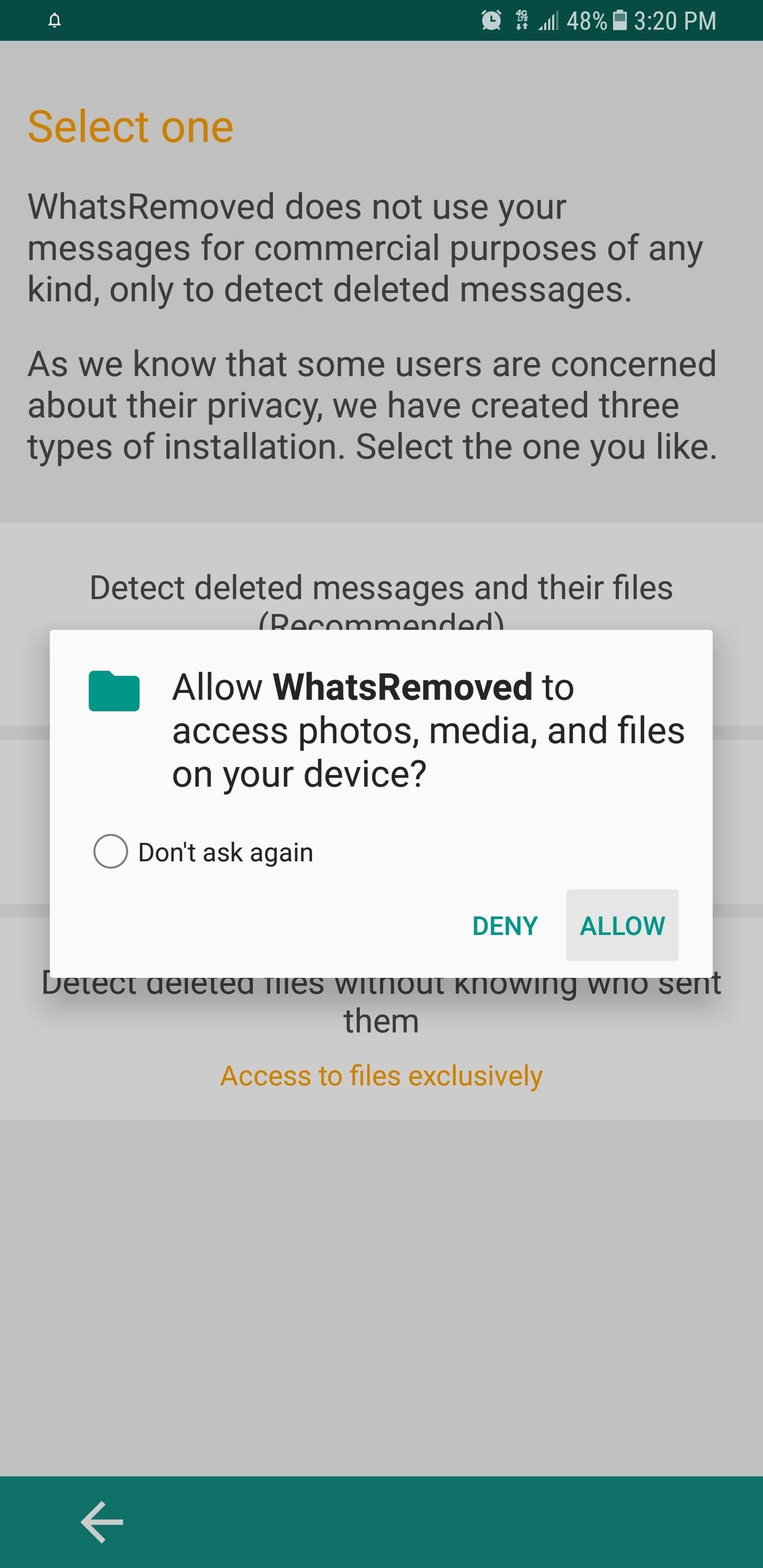
Open you've installed WhatsRemoved, open the app and follow the prompts. Along the way, you'll be asked to select an installation method, so choose the recommended method. From there, a permission prompt asking for access to your phone's photos, medias, and files will appear. Tap on "Allow" to grant the app access.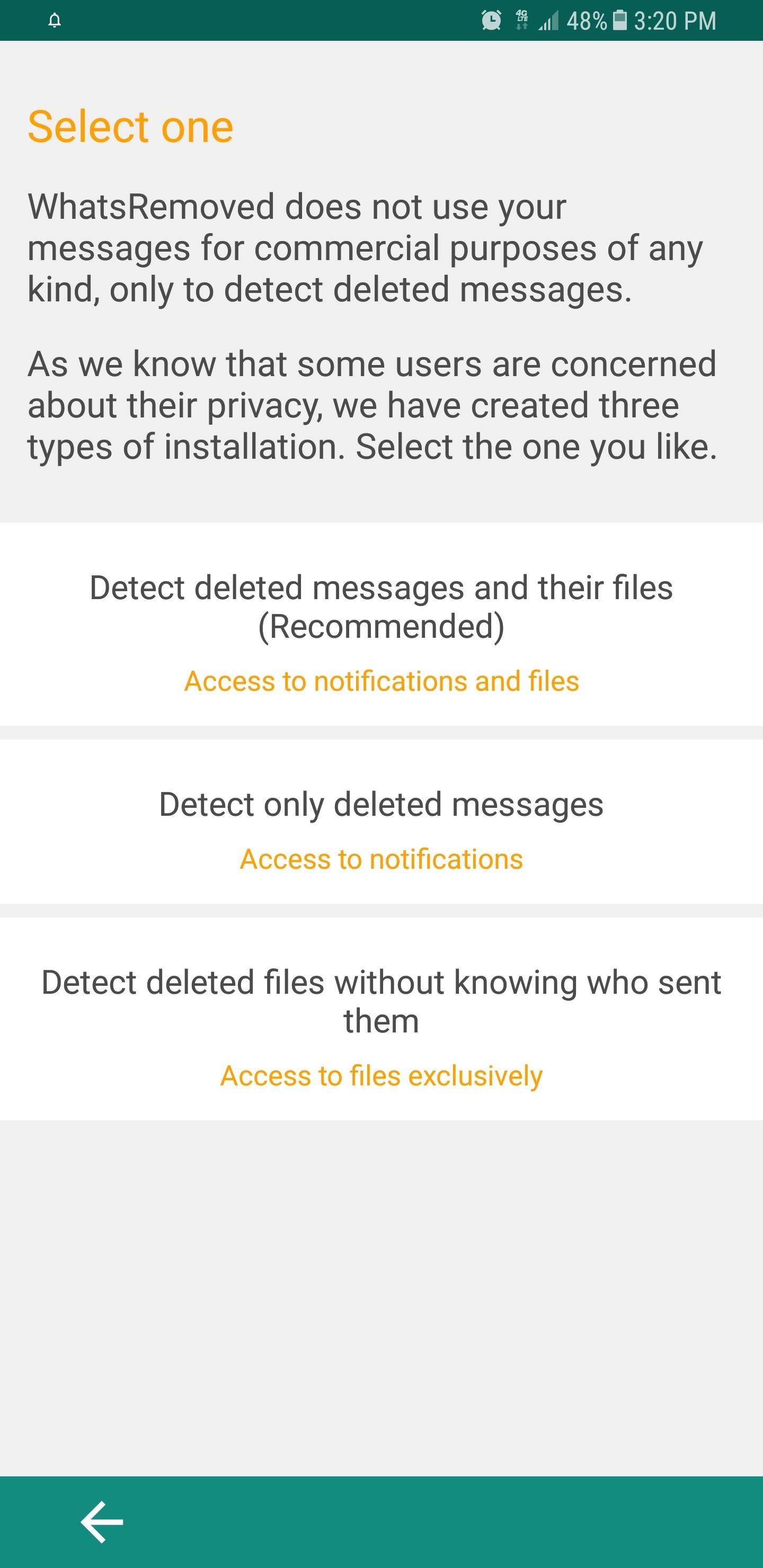


No comments: